Roborock in Home Assistant — The Map, the Rooms, and What's Actually Useful
Roborock S5 Max in Home Assistant: interactive map card, room-segment cleaning, and the maintenance tracking that saves your brushes.
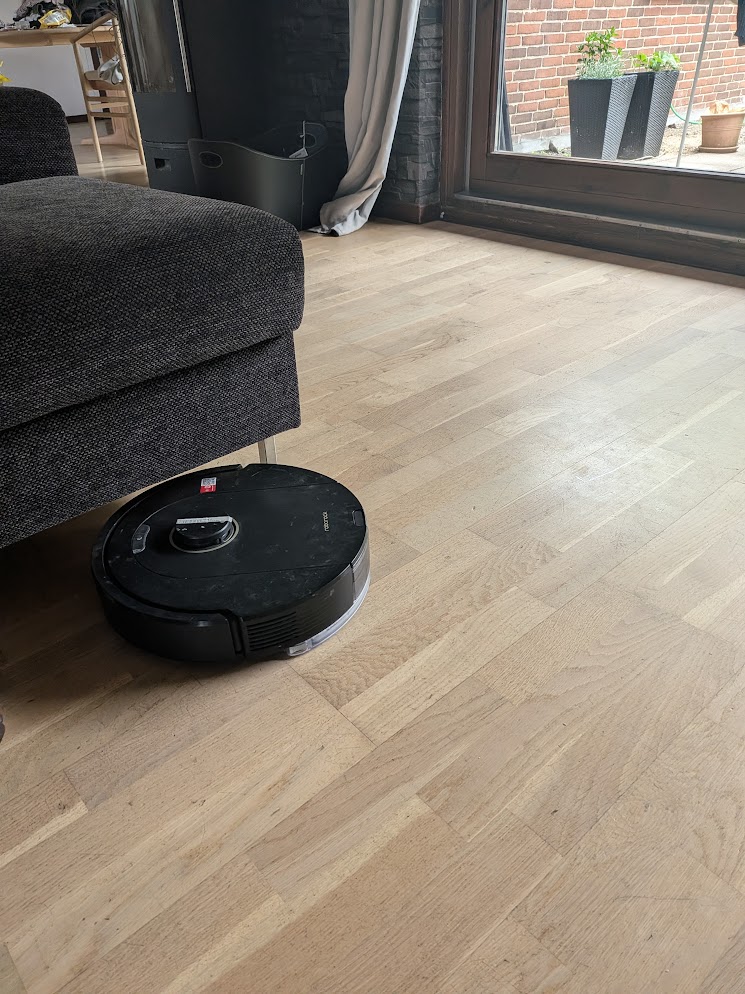
The Roborock integration is built into HA — no HACS needed, but you do need a Roborock cloud account to authenticate. Add the integration, sign in, and the vacuum appears. What it doesn’t tell you is that the interesting part comes from a separate HACS card that renders the live map.
The integration
Cloud polling, 5-second refresh. Local communication is possible but requires extracting keys from the device firmware, which I didn’t bother with. For anything that matters — starting a clean, checking battery, room segments — cloud polling is fast enough.
Entities after setup:
vacuum.roborock_s5_max
sensor.roborock_battery
sensor.roborock_status
sensor.roborock_last_clean_area
sensor.roborock_main_brush_left    — percentage of life remaining
sensor.roborock_side_brush_left
sensor.roborock_filter_left
sensor.roborock_sensor_dirty_left
The map card
custom:xiaomi-vacuum-map-card (HACS) is what makes this setup actually useful. It renders the live map with your room zones labeled, and tapping a room starts cleaning just that segment.
type: custom:xiaomi-vacuum-map-card
entity: vacuum.roborock_s5_max
map_source:
  camera: camera.roborock_map
calibration_source:
  auto: true
rooms:
  - id: 16
    name: Living Room
    icon: mdi:sofa
  - id: 17
    name: Kitchen
    icon: mdi:silverware-fork-knife
  - id: 18
    name: Bedroom
    icon: mdi:bed
  - id: 19
    name: Office
    icon: mdi:desk
map_modes:
  - template: vacuum_clean_segment
  - template: vacuum_goto
Finding your room IDs: open Developer Tools → Template, and evaluate {{ state_attr('vacuum.roborock_s5_max', 'room_list') }}. The IDs are integers assigned when the map was created in the app. Mine started at 16 — yours will probably be different.
The card lives inside a glass stack-in-card. Map cards need border-radius: 0 on the inner card, and the outer container needs overflow: hidden — otherwise the map’s corners bleed outside the rounded glass wrapper.
type: custom:stack-in-card
card_mod:
  style: |
    ha-card {
      background: rgba(255,255,255,0.05) !important;
      backdrop-filter: blur(15px) !important;
      border: 1px solid rgba(255,255,255,0.10) !important;
      box-shadow: 0 8px 32px rgba(0,0,0,0.3) !important;
      border-radius: 28px !important;
      overflow: hidden !important;
    }
    ha-card::before { display: none !important; }
cards:
  - type: custom:xiaomi-vacuum-map-card
    # ...
    card_mod:
      style: |
        ha-card { border-radius: 0; box-shadow: none; border: none; }
Maintenance sensors
The brush and filter sensors count down from 100% to 0%. I ignored them for too long and then the main brush warning notification showed up at 8% — which turned out to be much more worn than I expected from a percentage.
Now I have colored indicator cards for each component, using custom:mushroom-template-card (HACS, Mushroom suite) with card_mod (HACS) for the color logic:
type: custom:mushroom-template-card
primary: "{{ states('sensor.roborock_main_brush_left') }}%"
secondary: Main brush
icon: mdi:brush
icon_color: >
  {% set pct = states('sensor.roborock_main_brush_left') | int(100) %}
  {% if pct > 40 %}green{% elif pct > 20 %}orange{% else %}red{% endif %}
And a persistent notification (not a push — I don’t need my phone buzzing about a brush) when anything drops below 20%:
alias: Roborock — Maintenance alert
trigger:
  - platform: numeric_state
    entity_id: [sensor.roborock_main_brush_left, sensor.roborock_filter_left,
                sensor.roborock_side_brush_left]
    below: 20
action:
  - service: persistent_notification.create
    data:
      title: "Roborock — check maintenance"
      message: >
        {{ trigger.entity_id | replace('sensor.roborock_','') | replace('_left','')
           | replace('_',' ') | title }} at {{ trigger.to_state.state }}%.
      notification_id: roborock_maintenance
The automation I use every day
Clean while I’m out, dock before I get back:
alias: Roborock — Clean on departure
trigger:
  - platform: state
    entity_id: person.rolf
    to: not_home
    for:
      minutes: 5
condition:
  - condition: time
    after: "09:00:00"
    before: "18:00:00"
  - condition: state
    entity_id: vacuum.roborock_s5_max
    state: docked
action:
  - service: vacuum.start
    target:
      entity_id: vacuum.roborock_s5_max

alias: Roborock — Dock on return
trigger:
  - platform: state
    entity_id: person.rolf
    to: home
condition:
  - condition: state
    entity_id: vacuum.roborock_s5_max
    state: cleaning
action:
  - service: vacuum.return_to_base
    target:
      entity_id: vacuum.roborock_s5_max
The 5-minute delay on departure matters. Without it, a brief GPS blip triggers a clean, and the vacuum is halfway through the kitchen when I walk back through the door two minutes later.
I’ve had the dock-on-return automation save me from stepping on the vacuum in the dark exactly once. Worth it.