Home Assistant Morning Briefing — TTS with Calendar, Weather, and Electricity Price
A daily 06:00 spoken briefing in Home Assistant: Google AI TTS, three family calendars, EV charge status, Waze traffic, power price and waste day.
Every morning I used to open the Home Assistant app to check the day’s calendar, glance at the weather widget, and mentally calculate whether tonight was a good time to run the dishwasher based on the electricity price. Three separate lookups before coffee.
The briefing automation replaced all of that. At 06:00, the kitchen speaker reads out today’s appointments across three family calendars, the outside temperature, a garbage collection countdown when pickup is tomorrow, and the current electricity spot price. The whole thing takes about 15 seconds.
What the briefing actually says
On a typical morning it sounds like this:
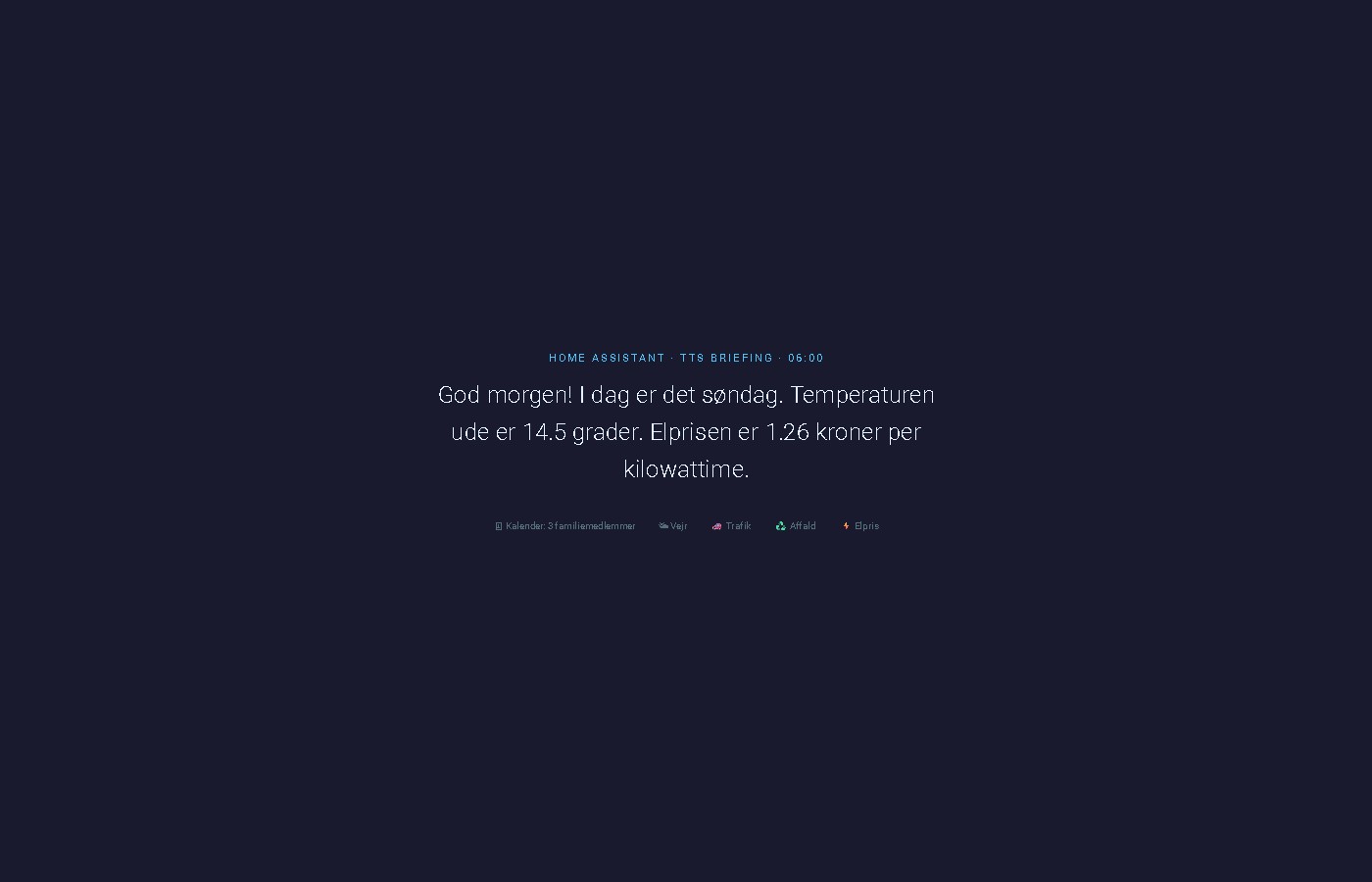
“Good morning! Today is Monday. The temperature outside is 14 degrees. You have 2 appointments today: dentist, team meeting. Garbage collection is tomorrow. The electricity price is 0.42 kroner per kilowatt-hour.”
On a quiet day with no appointments and no upcoming garbage collection, it trims down to weather and price. Nothing is read out if there’s nothing to say — no filler lines.
The key pattern: calendar.get_events with response_variable
Most Home Assistant automation tutorials stop at triggering on a calendar event. This automation takes a different approach: it actively queries the calendar for today’s events and uses the response in a template.
The calendar.get_events action returns a structured response that you can store in a variable and access in subsequent template steps:
- action: calendar.get_events
  target:
    entity_id: calendar.rolf_szimnau_dk
  data:
    start_date_time: "{{ today_at('00:00') }}"
    end_date_time: "{{ today_at('23:59') }}"
  response_variable: kalender
The response is a dict keyed by entity ID. Access the event list like this:
{% set events = kalender['calendar.rolf_szimnau_dk']['events'] %}Each event in the list has a summary field (the event title) and start/end timestamps. For a spoken briefing, only the summary matters.
Adding multiple calendars
To merge events from several family members, run a separate calendar.get_events action for each calendar with its own response_variable, then combine the lists in the template:
- action: calendar.get_events
  target:
    entity_id: calendar.annette_familie
  data:
    start_date_time: "{{ today_at('00:00') }}"
    end_date_time: "{{ today_at('23:59') }}"
  response_variable: kalender_annette

- action: calendar.get_events
  target:
    entity_id: calendar.louise_familie
  data:
    start_date_time: "{{ today_at('00:00') }}"
    end_date_time: "{{ today_at('23:59') }}"
  response_variable: kalender_louise
In the message template:
{% set events = events_rolf + events_annette + events_louise %}If two people share the same event, it gets read twice. For a family briefing that’s usually acceptable — but if you want deduplication, filter by summary before merging.
The complete automation
alias: "Morgenbriefing: TTS kl. 06"
description: >
  Daily spoken briefing on the kitchen speaker at 06:00. Covers weather,
  family calendar events, garbage collection, EV charge status and
  preconditioning confirmation, commute traffic, and electricity spot price.
mode: single
trigger:
  - platform: time
    at: "06:00:00"
action:
  - action: calendar.get_events
    target:
      entity_id: calendar.rolf_szimnau_dk
    data:
      start_date_time: "{{ today_at('00:00') }}"
      end_date_time: "{{ today_at('23:59') }}"
    response_variable: kalender
  - action: calendar.get_events
    target:
      entity_id: calendar.annette_familie
    data:
      start_date_time: "{{ today_at('00:00') }}"
      end_date_time: "{{ today_at('23:59') }}"
    response_variable: kalender_annette
  - action: calendar.get_events
    target:
      entity_id: calendar.louise_familie
    data:
      start_date_time: "{{ today_at('00:00') }}"
      end_date_time: "{{ today_at('23:59') }}"
    response_variable: kalender_louise
  - action: tts.speak
    target:
      entity_id: tts.google_ai_tts
    data:
      media_player_entity_id: media_player.hojtaler_kokken
      language: da-DK
      message: >-
        {% set dage = ['mandag', 'tirsdag', 'onsdag', 'torsdag', 'fredag', 'lørdag', 'søndag'] %}
        {% set dag = dage[now().weekday()] %}
        {% set events_rolf = kalender['calendar.rolf_szimnau_dk']['events'] %}
        {% set events_annette = kalender_annette['calendar.annette_familie']['events'] %}
        {% set events_louise = kalender_louise['calendar.louise_familie']['events'] %}
        {% set events = events_rolf + events_annette + events_louise %}
        {% set temp = state_attr('weather.forecast_home', 'temperature') %}
        {% set affald = states('sensor.affalddk_bytoften_1_naeste_afhentning') | int(99) %}
        {% set elpris = states('sensor.energi_data_service') | float(0) | round(2) %}
        {% set km = states('sensor.skoda_elroq_range') | int(0) %}
        {% set bat = states('sensor.skoda_elroq_battery_percentage') | int(0) %}
        {% set maal = states('sensor.skoda_elroq_target_battery_percentage') | int(80) %}
        {% set lader = states('sensor.skoda_elroq_charging_state') %}
        {% set ac = states('climate.skoda_elroq_air_conditioning') %}
        {% set rejsetid = states('sensor.rejsetid_vejle_travel_time') | float(0) | round(0) | int %}
        God morgen! I dag er det {{ dag }}.
        Temperaturen ude er {{ temp }} grader.
        {% if events | length > 0 %}
        Du har {{ events | length }} aftale{% if events | length > 1 %}r{% endif %} i dag:
        {% for event in events %}{{ event.summary }}{% if not loop.last %}, {% endif %}{% endfor %}.
        {% else %}Ingen aftaler i dag.
        {% endif %}
        {% if affald <= 1 %}Husk: affald hentes i dag!
        {% elif affald <= 2 %}Husk: affald hentes i morgen.
        {% endif %}
        {% if km > 0 and km < 100 %}Elroq har kun {{ km }} kilometer tilbage.
        {% endif %}
        {% if lader == 'charging' %}Elroq lader: {{ bat }}% ud af {{ maal }}%.
        {% elif bat < maal %}Elroq er {{ bat }}% – har ikke nået målet på {{ maal }}%.
        {% endif %}
        {% if ac != 'off' %}Elroq varmer op.
        {% endif %}
        {% if now().weekday() < 5 and rejsetid > 0 %}
        {% if rejsetid > 40 %}Trafik til Vejle: {{ rejsetid }} minutter – forvent forsinkelse.
        {% else %}Kørsel til Vejle tager {{ rejsetid }} minutter.
        {% endif %}{% endif %}
        Elprisen er {{ elpris }} kroner per kilowattime.
Adapting it to your setup
Different speaker — replace media_player.hojtaler_kokken with any HA media player entity. The tts.speak action works with Google Home, Nest Audio, Sonos, and any media player that supports audio playback. For Sonos and Google Nest speakers running together, target the specific device rather than a speaker group to avoid TTS queueing issues.
Different TTS engine — swap tts.google_ai_tts for tts.google_translate_en_com for the free option. Remove the language: da-DK field and write the message in English if using the English Google Translate engine.
Different electricity sensor — replace sensor.energi_data_service with your spot price sensor. The Energi Data Service integration provides Danish hourly spot prices including VAT and grid tariffs.
Weekdays only — add a condition above the actions:
condition:
  - condition: time
    weekday:
      - mon
      - tue
      - wed
      - thu
      - fri
Different garbage sensor — the sensor.affalddk_bytoften_1_naeste_afhentning entity comes from the Affald.dk integration and returns the number of days until the next collection. Replace with your own waste collection sensor and adjust the threshold values.
Adding EV charge status and preconditioning
Two sensors from the MyŠkoda integration (or any EV integration that exposes charge state) make the briefing aware of whether the car is ready for the day.
Charge status — the briefing only speaks when something needs attention. If the car hit its target overnight, nothing is said.
{% set bat = states('sensor.skoda_elroq_battery_percentage') | int(0) %}
{% set maal = states('sensor.skoda_elroq_target_battery_percentage') | int(80) %}
{% set lader = states('sensor.skoda_elroq_charging_state') %}
{% if lader == 'charging' %}Elroq lader: {{ bat }}% ud af {{ maal }}%.
{% elif bat < maal %}Elroq er {{ bat }}% – har ikke nået målet på {{ maal }}%.
{% endif %}
sensor.skoda_elroq_target_battery_percentage is set in the MyŠkoda app and exposed directly as a HA sensor. If your EV integration doesn’t expose the charge target, replace maal with a hardcoded number like 80.
Preconditioning confirmation — if a morning warmup automation runs a few minutes before 06:00, the briefing can confirm it actually started:
{% set ac = states('climate.skoda_elroq_air_conditioning') %}
{% if ac != 'off' %}Elroq varmer op.
{% endif %}
This works because the warmup automation runs at 05:55 — five minutes before the briefing. By 06:00, climate.skoda_elroq_air_conditioning is either active (one short confirmation line) or still off (silent — the warmup automation handles its own failure alert separately).
Adding a traffic report
The Waze Travel Time integration adds a sensor showing current door-to-door travel time including live traffic. No API key required — Waze data is free.
Install: Settings → Devices & Services → Add integration → Waze Travel Time
When configuring origin and destination, use GPS coordinates (lat,lon format) rather than street addresses. Waze’s address parsing is unreliable for Danish addresses — coordinates are unambiguous. Find yours by right-clicking a location in Google Maps and copying the coordinate pair.
Set Region to EU and Route type to fastest. Give the sensor a descriptive name like Commute to Vejle — Home Assistant generates the entity ID from it, typically sensor.commute_to_vejle_travel_time.
Add this block to the TTS message template, just before the electricity price line:
{% set commute = states('sensor.commute_to_vejle_travel_time') | float(0) | round(0) | int %}
{% if now().weekday() < 5 and commute > 0 %}
{% if commute > 40 %}Traffic to work: {{ commute }} minutes today – expect delays.
{% else %}Drive to work: {{ commute }} minutes.
{% endif %}
{% endif %}
now().weekday() < 5 skips weekends automatically. Adjust the 40-minute threshold to your normal commute plus a reasonable buffer — if your baseline is 25 minutes, 35 is a sensible warning point.
Why tts.speak and not the older service
Home Assistant 2024+ uses tts.speak called on the TTS engine entity (target: entity_id: tts.google_ai_tts), with media_player_entity_id as a data field. The older tts.google_translate_say service still works but is deprecated. The new pattern separates the engine (which produces audio) from the player (which plays it), making it easier to switch either independently.
tts.google_ai_tts is provided by the Google Generative AI integration — the same integration that powers the Gemini conversation agent in Home Assistant. It requires a Google AI Studio API key but produces natural, human-sounding speech compared to the robotic output of the free Google Translate TTS option.
Related: A Family Calendar in Home Assistant — Four People, One View — the dashboard that started this whole calendar integration.